Employee Advocacy Events: Get Your Team Posting on Socials
Employee advocacy events are the conferences, trade shows and meetups where your own staff post about being there, and they're the easiest place to start getting your team active on LinkedIn because the reason to post already exists. Nobody has to invent a hook. Your company is exhibiting, speaking or hosting, and the people going are the most believable messengers you have.
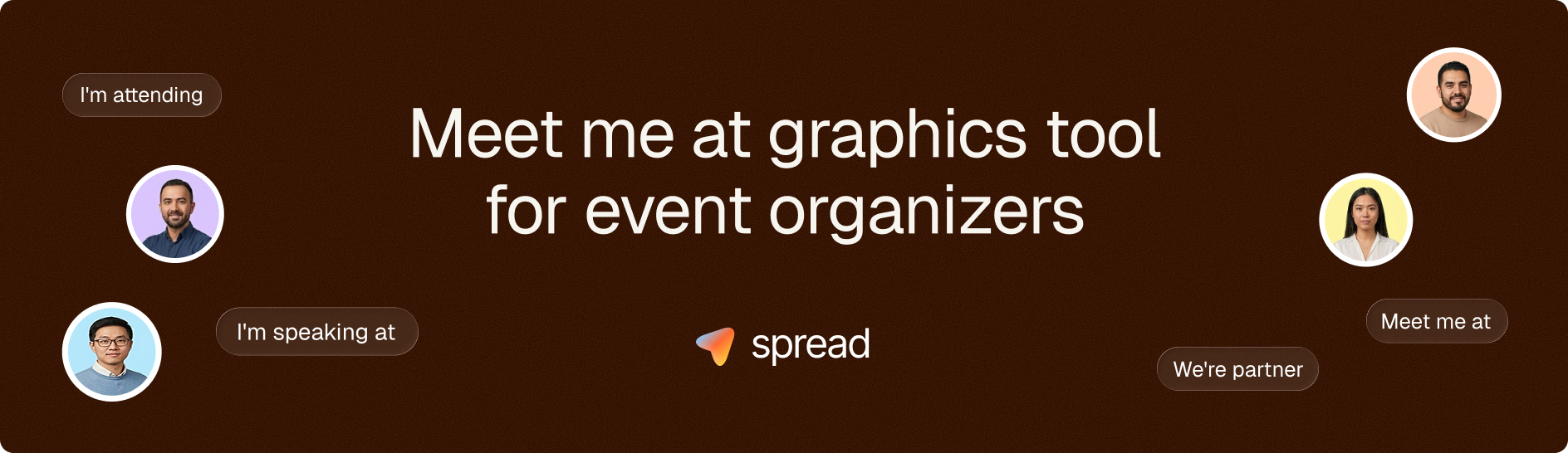
The hard part is rarely willingness. Most employees are fine with posting "I'll be at booth B12 next week" if someone hands them a good graphic and two lines of text. What stops them is friction: no design, no idea what to write, a vague worry about whether marketing will approve, and the event creeping up until it's too late. This guide covers how to remove each of those, for events you attend and events you host.
Why employee advocacy events work better than "please share our post"
Employees post about events because an event is personal news. "I'm speaking in Berlin on Thursday" belongs to them in a way a reshared company announcement never will, so it reads like a status update instead of an ad, and their network treats it that way.
The reach math is on your side too. LinkedIn's own talent solutions team states that employees' networks are 10x larger than a company's followers, while only about 3% of employees share company-related content on average. That second number is the interesting one. The audience is there. The habit isn't.
Most internal advocacy programs ask people to share content they didn't create, about topics they don't care much about, on a schedule set by someone else. Events flip that. The employee is physically going, the date is fixed, and there's an obvious window (the two weeks before) when a post makes sense. If you're trying to build internal brand ambassadors from scratch, an upcoming event is the lowest-effort first ask you'll get.
Employee generated content reads differently in the feed
A company page post about your booth gets seen by people who already follow the company. A sales engineer's post about the same booth gets seen by former colleagues, university friends, customers they've worked with and the recruiters who keep messaging them. Some of those people will be at the same event. Some will be your next hire. And because the post comes from a person, it tends to collect the "See you there!" and "Which day?" comments that company posts rarely get.
Which events give employees something worth posting?
Almost any event your company touches can carry employee posts, but they don't all deserve the same effort. These are the moments where a proper campaign pays off:
Your own conference, user day or customer summit, where every employee is effectively a co-host
A trade show booth, where the booth team is the whole story
Speaking slots and panels, which belong to the speaker first and the company second
Industry conferences your team attends as visitors, mostly sales and partnerships people
Career fairs and open days, which overlap heavily with employer branding
Smaller internal moments (an offsite, a hackathon) can work as well, though the audience for those posts is mostly future hires. If recruiting is your goal, the logic in our piece on employer branding graphics for new hires carries over almost one to one.
Exhibiting at a trade show: the "visit us" moment
Trade shows are where employee advocacy at events pays off most directly. Every person staffing the booth has a network that overlaps with the show's audience, and a post that says "Find me at Hall 4, booth 210, Tuesday to Thursday" is a concrete invitation rather than vague awareness. Give each booth staffer their own graphic with their photo, the booth number and the dates. Our guide to event visitor templates goes deeper on the format.
Hosting your own event: staff as co-hosts
When you host, your employees are promoters and hosts at once. The account executive who personally invites three customers will fill more seats than another email blast, and a public post from them ("I'm hosting a roundtable at our summit, two seats left") does the same job at scale. Treat them like you'd treat speakers. Their own graphic, their own caption, their own reason to post.
Go Spread, 2026
What actually stops employees from posting?
The reasons employees skip event posts are boring, and almost none of them are about loyalty. Usually it's one of these four:
No visual. A text-only post feels thin, and resizing the event logo in a design tool takes twenty minutes nobody has.
No words. People don't know what they're allowed to say about pricing, launches or who's on stage.
No permission. Unless someone says "yes, please post this," many assume marketing wants to control the message.
No timing. The ask arrives the day before the event, when the booth team is packing boxes.
Fix those four and you're most of the way there. Skip one and the share rate tends to collapse back to the handful of people who'd have posted anyway.
Keep the guidelines to one paragraph
If you need internal rules, keep them short enough to fit in the same message as the link. Something like: don't share unannounced product news, don't quote pricing, tag the company page if you like, and otherwise write it in your own voice. A twelve-page social media policy tells people that posting is risky, which is the opposite of what you want. Legal and comms teams can usually live with a short list once the graphic and suggested captions have been approved up front.
How to set up employee advocacy events your team will post about
The setup takes about an afternoon once you've done it before. The order matters less than having every piece ready before you ask anyone to post.
One branded template per role
A booth staffer, a speaker and a visiting sales rep need slightly different graphics. The booth staffer's says "Visit us," the speaker's carries the session title and time slot, and the visitor's says "Meet me at." Same brand, same colors, different headline. If you produce one generic "We're at X" graphic for everyone, most people won't use it, because it doesn't say anything about them.
The photo slot is the part people underestimate. A graphic with the employee's own face gets noticed by their network in a way a logo doesn't, which is the whole point. For speakers specifically, we've covered speaker visuals that speakers actually post in a separate guide.
Captions people can edit, not just copy
Write two or three suggested captions per role and make it obvious they're starting points. A caption like "I'll be at the Logistics Summit in Rotterdam next Tuesday and Wednesday, mostly at booth C14. If you're working on warehouse automation, come say hi or message me to book 15 minutes" is specific and easy to personalize. Skip the stack of hashtags and the company tagline; those are exactly what make an employee post look like an ad. Our LinkedIn captions for events article has more examples by role.
Timing: when to ask
Send the ask roughly two weeks before the event, with a reminder five to seven days out. Two weeks gives people time to post while it's still useful (their contacts can still plan to stop by), and the reminder catches everyone who meant to and forgot. During the event, a second post with a real photo from the booth or stage is a nice bonus, but don't make it the main ask, because people are busy on show days.
Have the ask come from a manager or team lead, not only from marketing. A message in the team channel from the head of sales saying "I've posted mine, here's the link to make yours" does more than any guideline document.
How Go Spread fits into employee advocacy events
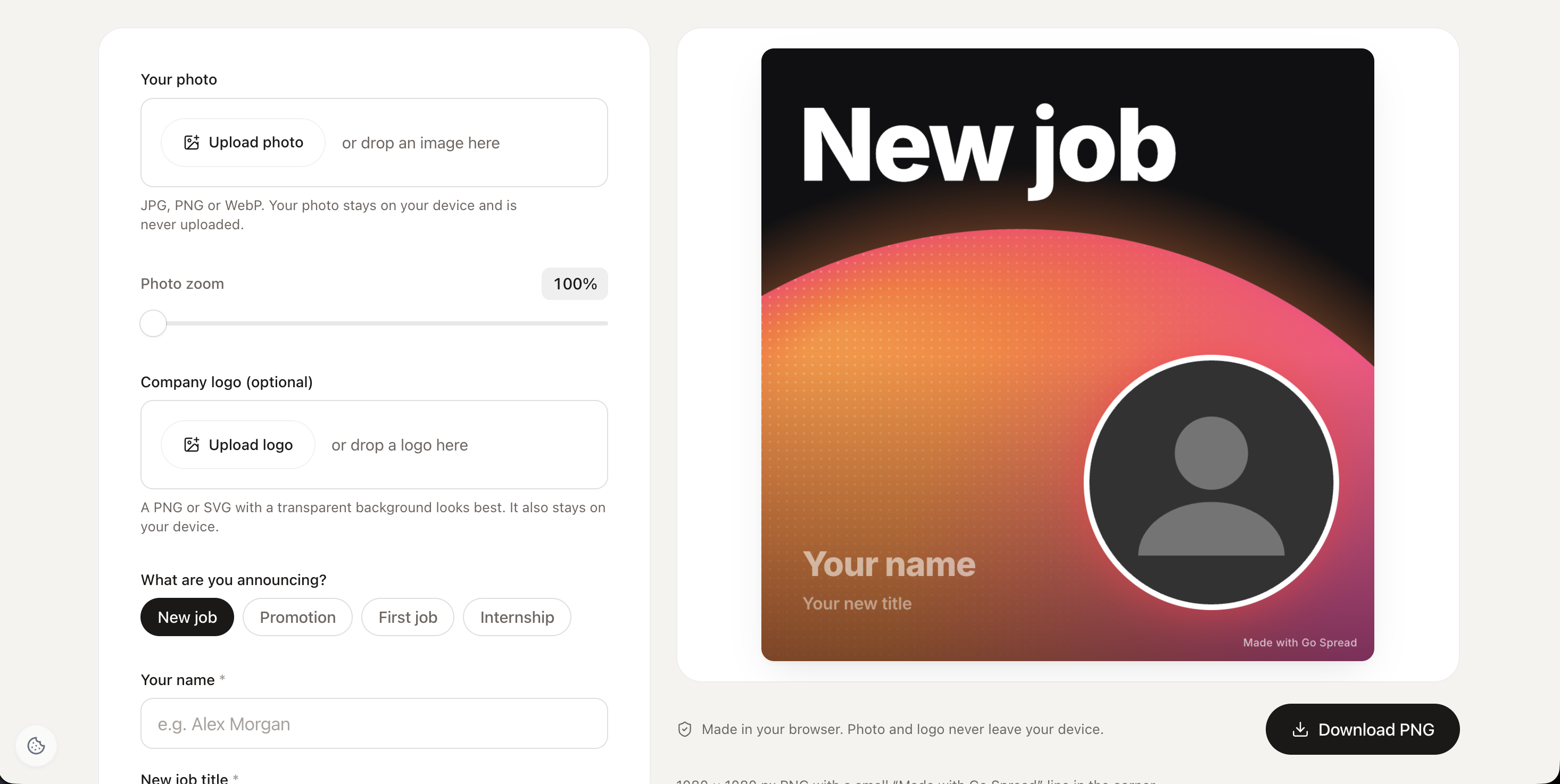
We built Go Spread so that the graphic part takes about 30 seconds per person instead of a design request. You upload or design one branded template (SVG or PNG, or start from one of 17 templates), set up graphic types for Meet Me At, Speaker or Visit Us, and share a single campaign page link. Each employee uploads a photo, gets a personalized graphic as a LinkedIn post, 9:16 story or landscape image, picks a suggested caption and posts to LinkedIn in one click. No app, and no account for the employee.
In the dashboard you see views, downloads and LinkedIn impressions for the campaign. Across the platform, the first 20 campaigns averaged about 100 posts and around 250,000 impressions, roughly 2,500 per post. Those figures come from event campaigns in general, not employee programs specifically, so treat them as a reference point rather than a promise.
What Go Spread won't do: it doesn't rank employees on a leaderboard or hand out rewards, and it doesn't post to networks other than LinkedIn. If nobody on your team shares, nobody sees anything. The tool removes the friction; getting people to want to post is still your job (and their manager's).
How do you measure whether it worked?
Measure employee advocacy events with a few plain numbers, compared against your last event without a campaign. Don't overbuild this.
What to track | What it tells you | Where it comes from |
|---|---|---|
Share rate (posts divided by employees asked) | Whether the ask and the assets worked | Your invite list plus campaign downloads |
LinkedIn impressions on employee posts | How far the posts actually traveled | Campaign analytics, or screenshots from colleagues |
Booth conversations that mention a post | Whether reach turned into conversations | A quick "how did you hear about us?" at the booth |
Registrations from personal links (own events) | Ticket sales driven by staff | UTM-tagged links in the captions |
Be honest about attribution. Plenty of people will see a colleague's post, click nothing and still walk up to your booth three weeks later. That's fine. Over two or three events, the trend in share rate and impressions tells you more than any single campaign does.
Start your next employee advocacy events campaign with one booth team
Don't roll this out company-wide on the first try. Pick the next event where five to fifteen of your people are going (a trade show booth team is ideal), build one template with a "Visit us" headline and a photo slot, write two captions, and have the team lead send the link two weeks before doors open. Then compare share rate and impressions with your last show. If you want that first campaign page ready today, you can start free on Go Spread and send the link before the end of the week.